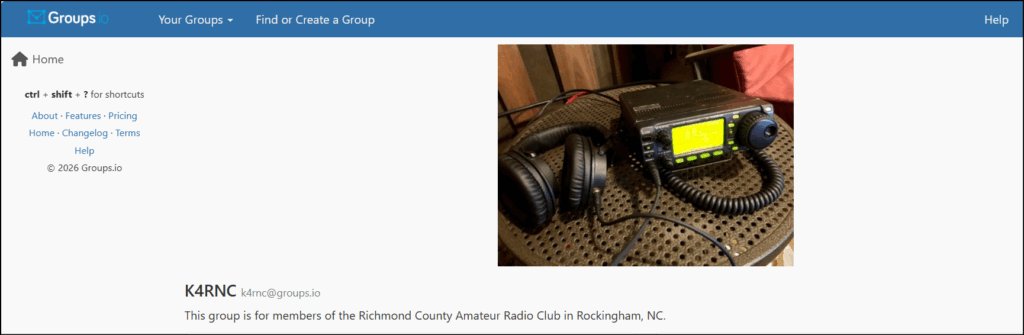
Groups.io is an email discussion group and listserv or newsletter platform that will enable the club to more easily communicate through email. By joining K4RNC@groups.io, you will be subscribing to club announcements through email and you will be able to participate in email based discussions.
How to join K4RNC@groups.io.
- Method 1, Simply send an email
- Send an email to K4RNC+subscribe@groups.io
- Check your email for a reply with instructions.
- After confirming your account, check your email for a second reply that your account and subscription are confirmed.
- If you wish, you may go to https://groups.io and login to change your email and notification settings.
- If you haven’t already setup a password, use the password recovery link to login and then setup a password in your settings.
- Method 2, manually setup an account
- Visit https://groups.io and setup an account using the email address with which you wish to receive club emails.
- Click “Find or Create a Group” in the top left of the window.
- Type “K4RNC” in the search bar in the top right.
- Scroll down and click “Apply for Membership”
- Once you’re approved, you’ll receive an email notification and be able to send and receive emails to the group
Use Groups.io
- Check Settings to control how you receive emails.
- Post to the club by emailing k4rnc@groups.io, this goes to all members.
- Join the conversation by responding to emailed posts.